You can now use SimploMail to send transactional emails. 5000 emails free.

I built SimploMail as an email newsletter delivery service, but it also exposes a REST API that you can use to send transactional emails from your SaaS or startup.
If you need to send sign‑up confirmations, password reset links, or payment receipts, you can do it with a simple HTTP POST request. SimploMail gives you 5,000 email sends free, which is enough to start sending emails to your subscribers.
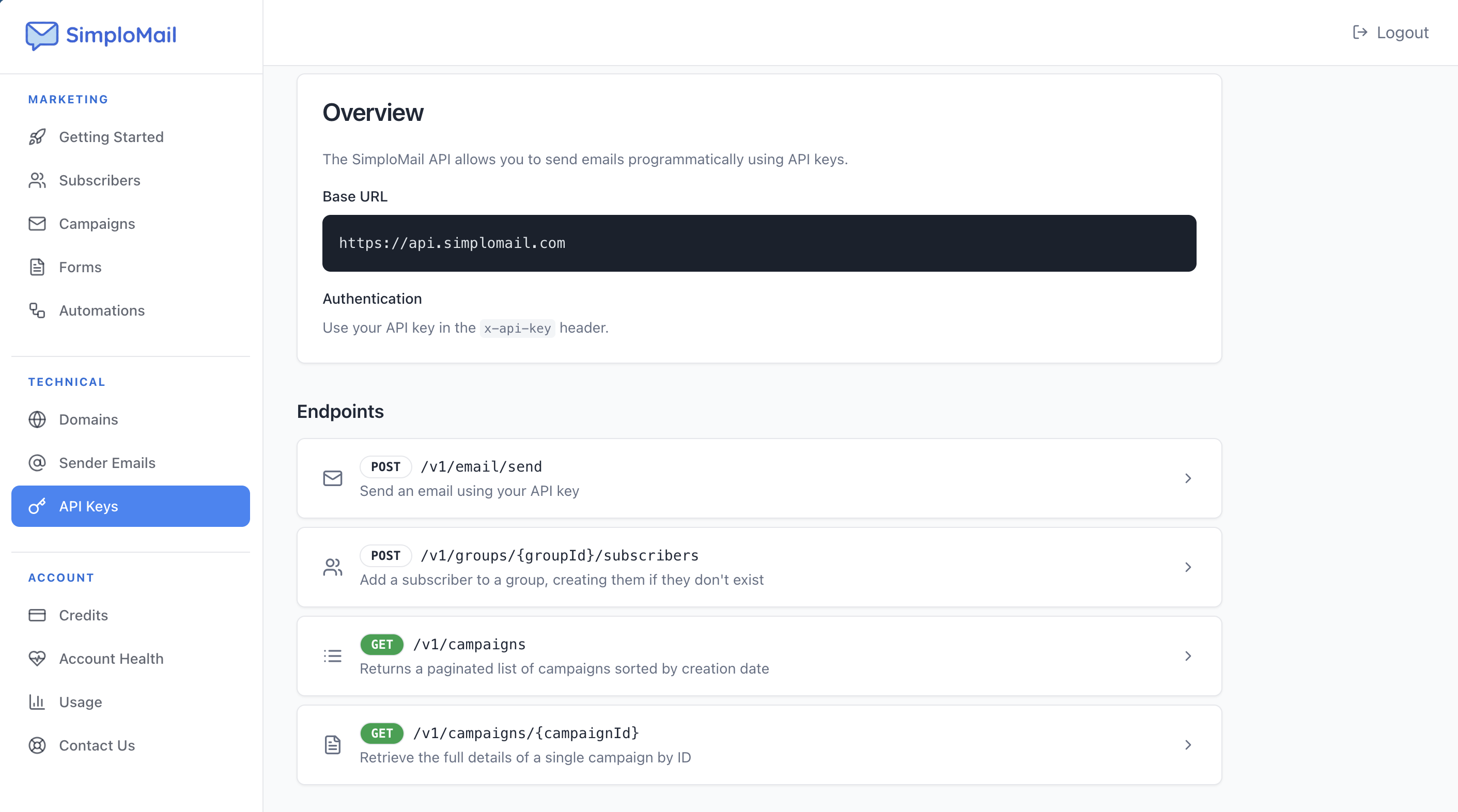
SimploMail REST API endpoint
Once you have:
an account
a verified domain
at least one verified sender email address
and an active API key
you can send an email with a single request to this endpoint:
POST https://api.simplomail.com/v1/email/sendThe sender email address is automatically set to your default verified sender. You do not need to include the from email in the payload.
Request headers
You must include two headers:
x-api-key: your SimploMail API keyContent-Type: application/json
Request body
The request body is a JSON object with the following fields:
to– recipient email address (one recipient per request)subject– email subject; cannot be emptybody– email body content (plain text or HTML)isHtml– optional boolean; set totrueifbodycontains HTML, otherwise it defaults tofalse
Example request to send a plain text email:
curl -X POST https://api.simplomail.com/v1/email/send \ -H "x-api-key: YOUR_API_KEY" \ -H "Content-Type: application/json" \ -d '{ "to": "[email protected]", "subject": "Welcome to SimploMail", "body": "This is a transactional email sent via the REST API." }'If you want to send an HTML email, set isHtml to true and use HTML in the body:
curl -X POST https://api.simplomail.com/v1/email/send \ -H "x-api-key: YOUR_API_KEY" \ -H "Content-Type: application/json" \ -d '{ "to": "[email protected]", "subject": "Welcome to SimploMail", "body": "<h1>Welcome</h1><p>This is a transactional HTML email.</p>", "isHtml": true }'On success, the API returns HTTP 200 with a JSON response:
{ "message": "Email sent successfully", "messageId": "abc123-def456-ghi789"}The messageId value is useful for logging and troubleshooting.
Safe testing with a dedicated email address
When you test your integration, you should not send to fake or random email addresses. Messages sent to non‑existent addresses will bounce, and repeated bounces can hurt your sender reputation and may cause your account to be locked or sending suspended.
For development and testing, send to this dedicated address:
[email protected]This address simulates a real send. The API returns the same HTTP response you would receive for a real recipient, but no actual email is delivered. When you are ready to send real emails, replace the to field with a valid recipient address.
I hope you will like it!
I am always open to suggestions and feedback! Just let me know.
Comments (1)

I don't think there is anything like it on the market at this price point. And it's so much needed for any bootstrapped founder who needs to integrate transactional emails in their app but doesn't have the budget for a high monthly subscription.
Sign in to comment or upvote.