How I create UI quickly using Stitch + Lovable

There is a very quick way to create UI for a mobile application or a website. I used this approach to create the UI for one of my side projects. To create the design, I used Google Stitch (https://stitch.withgoogle.com/).
Stitch allows you to design using prompts, then edit specific parts of the image by highlighting them and describing what to change. You can download the designs in HTML or PNG. If you need a ready‑to‑use HTML page, you already have it. In my case, I needed functional HTML pages that communicate with a backend API on AWS.
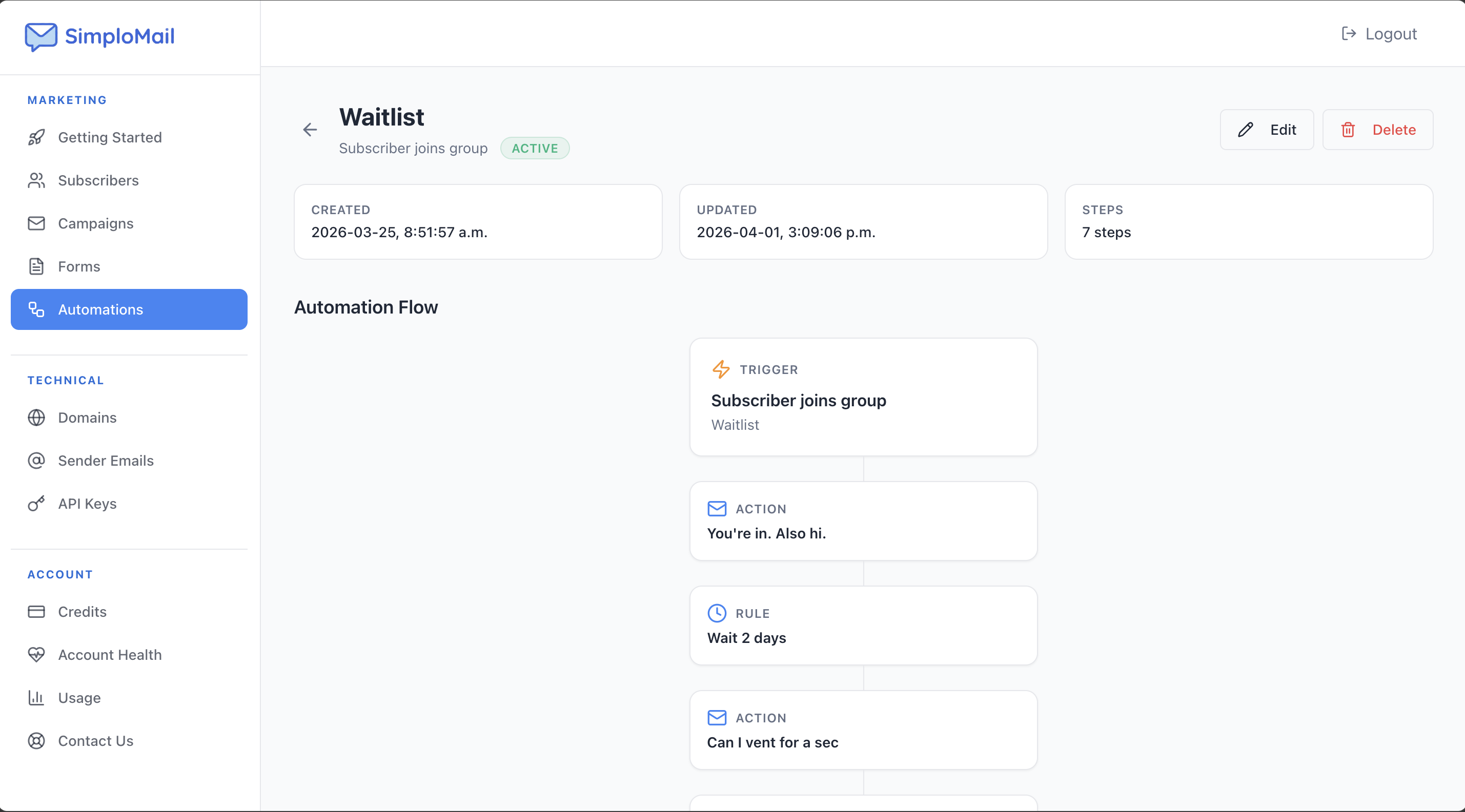
To make them work, I used lovable.dev. I attached the HTML file exported from Stitch, asked Lovable to integrate it into my existing website pages, then added the REST API documentation it needed to talk to my backend. In a few seconds, I had a functional page connected to my API and integrated into my site.
It was a very fast way to create UI pages and have them working with an API. I’ll share more about Lovable and the backend setup in future posts.
Comments (2)
we have used stitch as well, and its working great in the initial stages of prototyping..
Exactly! At the initial stages for sure! but you can also take it further. It allows you to select an area and ask AI to edit that selected area only. It could be an image, a button, or a text. It can also generate a clickable pages/website which you can download. This way you can click on a link and go to the next page it has designed for you. Once you get to know its features well it can be a very useful tool.
Sign in to comment or upvote.