
Photo & Video● Live
Change Image Color
Recolor photos with exact Hex colors, right in your browser
()
0Launched Oct 2026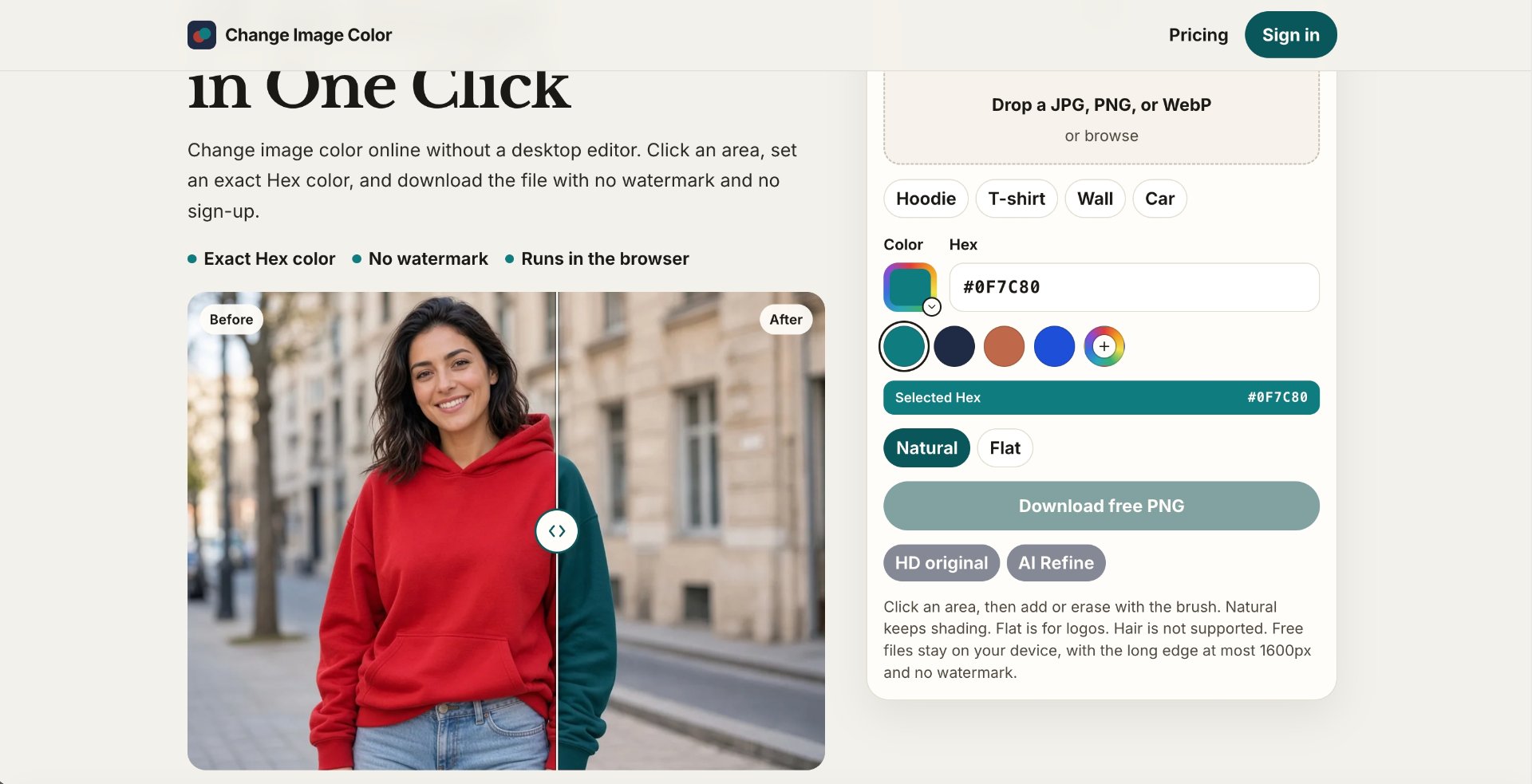
What is Change Image Color?
Change Image Color is a free online tool for recoloring clothes, product photos, walls, cars, and logos. Select an area, choose a color or enter a Hex code, and preview the result while retaining texture and shading. The free editor processes images on your device, with no sign-up or watermark. Open JPG, PNG, or WebP files and download a PNG up to 1600 pixels on its longest edge.
What it solves
- Complex photo editors make simple color changes take too much time.
- Creating product color variants can require extra editing or new photos.
- Matching photo colors to a specific brand Hex code can be difficult.
- 1. Sign-up requirements and watermarks add friction to quick photo edits.
How it works
- Open a JPG, PNG, or WebP image directly in your browser.
- Click the area to recolor and adjust the selection with Add or Erase.
- Choose a color or paste a Hex code, then compare the before and after.
- 1. Download a watermark-free PNG, up to 1600px on its longest edge, with no sign-up.
Key Features
Online Image Color Changer
Change Image Color
change image color online
change color of an image

Email@YourDomain
Business email address for $1
Paid
★★★★★0.00.0 (0)
Questions & Answers
Have a question?
No questions yet. Be the first to ask!
Meet the Team
GP